
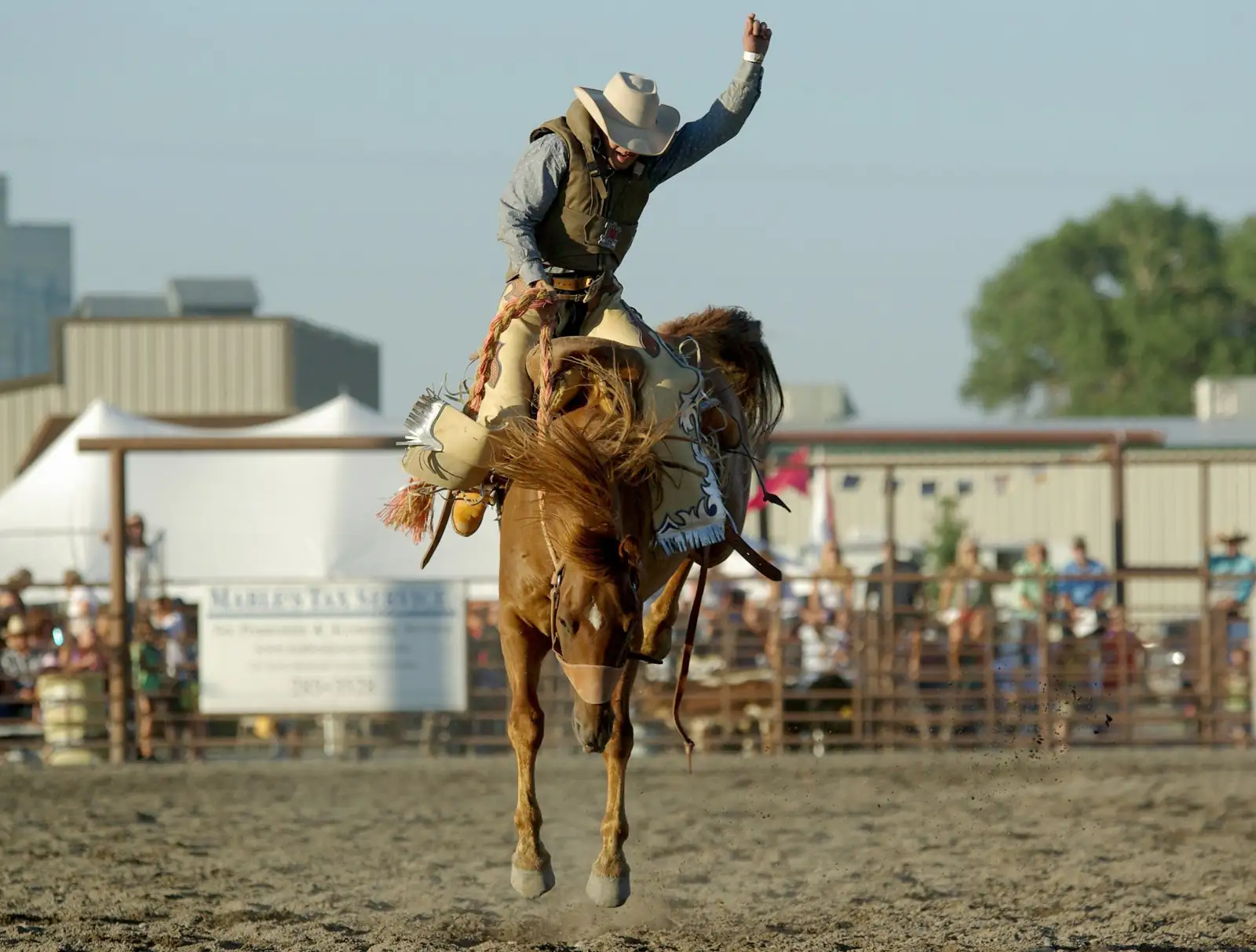
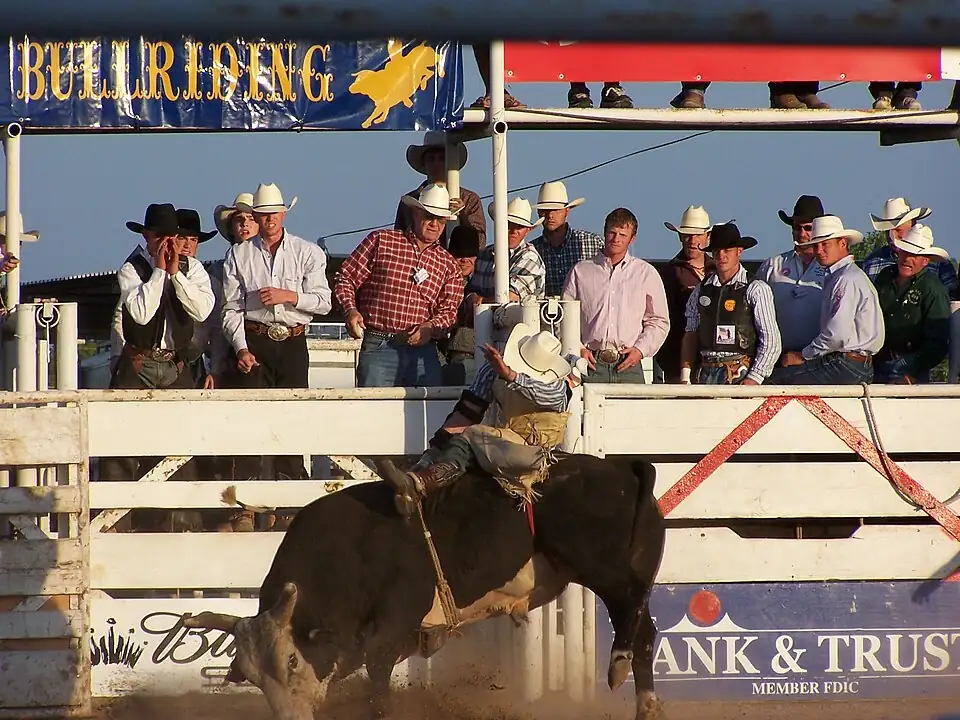
What is Cowboy Channel?
Cowboy Channel is a television destination for professional rodeo and Western programming. Viewers use its scheduled channel to follow arena competitions and related shows through a participating television provider. Cowboy+ provides a separate online route to live events and recorded programming. The names are closely related, but the way you receive the channel matters when choosing access.
If you already have a cable or satellite package, first search your on-screen guide for Cowboy Channel. If you want to watch online, begin with the official Cowboy+ catalog and the plan description. This website helps you understand those choices; it does not provide a television package, an official account or a stream.
How to watch: the real options
There are two practical starting points: a TV package that carries Cowboy Channel, or a Cowboy+ streaming subscription that includes the event you want. For television, ask your provider to confirm carriage at your address and in your package. Search the guide by channel name rather than relying on a channel number from another city.
For streaming, open the official Cowboy+ website or an app linked by the provider. Check the event title, edition and plan requirements. Install the app on a supported screen, sign in to the account used for the purchase, and test playback before the scheduled start. Keep the receipt so you know whether billing is managed on the website or through an app store.
An app download alone does not establish paid access. A social clip, search result or directory entry also does not prove that a complete live performance is available. Before purchasing for one rodeo, find that performance in the provider’s current listings. Read our complete watching guide for the setup steps.
Cowboy Channel broadcast
A television broadcast follows the channel’s lineup. It may include a main performance, studio coverage or a replay at a scheduled time. A separate streaming event can have its own start and finish. If two rodeos overlap, the channel cannot necessarily show both at once, even when an online service has multiple event feeds.
Use your provider’s program guide to see what the channel will carry on your screen. Use the official streaming catalog for individual online performances. Check the date, time zone and whether the listing says live, replay or highlights. The broadcast planning guide explains how to read these differences without confusing venue times with television times.
Live programmes and on-demand viewing
Start by deciding what you want to see: the continuous channel feed, a particular arena performance, or a recorded show. A channel feed is convenient when you want the scheduled lineup. An event listing is more useful when you are following a specific rodeo, round or session. On-demand collections let you select a past performance instead of waiting for it to return to the television schedule.
The official NFR viewing information also points to Cowboy+ Originals such as Hell on Wheels. Originals are a different format from live arena coverage. Episode descriptions and catalog labels will tell you whether you are opening a complete rodeo, a series episode or a short clip. Our programme guide organizes those formats so you can find the right starting point.
All live rodeos: finding the right event
Browse the directory by event name or location, then use the individual guide to prepare your search. The directory includes major championships, PRCA stops, regional competitions, youth finals, community rodeos and specialty events. These categories help you discover events; they do not promise a particular broadcaster, subscription entitlement or live feed.
When you find an event, match the year and performance number. A rodeo may stage several sessions, qualifying rounds or separate competitions. Check whether the video listing covers the main rodeo, slack, a specialty final or a studio program. For international competitions, confirm the local event name and the time zone as well as the country.
A future date from an organizer establishes when a competition is planned. It does not establish streaming rights. If the official catalog has no matching listing, wait for a broadcast announcement rather than buying access based on an assumption. Use the searchable rodeo directory to narrow your choices.
Watching the Wrangler NFR
The official NFR guide lists the 2026 finals for December 3–12 in Las Vegas, with live television coverage on Cowboy Channel and streaming through Cowboy+ Annual. If the finals are the reason you want a subscription, confirm that the exact annual offer includes NFR before completing checkout. The provider’s terms control the purchase.
For TV viewing, make sure your package includes the channel before the first round. For online viewing, sign in on the device you intend to use and check that the account recognizes annual access. Save each round by its date and round number. The NFR viewing page brings together the access routes and a ten-round date planner.
Choosing a subscription and screen
Choose the service around the event you need, then check your screen. Review the billing interval, renewal terms, cancellation process and included programming on the current checkout page. Prices can change, so this guide does not substitute a cached price for the offer you will actually purchase. Compare the NFR inclusion separately from general rodeo access.
A television may support the service through an attached streaming device even when its built-in app store does not offer the app. Check the official device list for your model. Use an app published or linked by the service and keep it updated. Our device guide and subscription guide cover the checks that matter.
Replays and playback help
To catch up, search using the event name, year and performance or round. Check whether the result is a full replay. A recap may only summarize the competition. Replays can appear after a live feed ends, and availability is controlled by the service. If a performance is missing, ask the provider rather than assuming every directory event has an archive.
If video stops, note the error message and check whether the same account can play another video. Then restart the app and test your connection. If only one event fails, include its exact title when contacting support. If every paid video is locked, review the signed-in account and billing receipt before making another purchase. See playback troubleshooting for a symptom-by-symptom guide.
Before you watch
Cowboy Channel FAQs
What is Cowboy Channel?
Cowboy Channel is a television network focused on rodeo and Western programming. Cowboy+ is the related online streaming service. A channel in your TV package and an online subscription can have different access rules.
How can I watch Cowboy Channel?
Use a television provider whose current package carries the channel. For online rodeo viewing, use the official Cowboy+ service on the web or a supported app. Confirm the exact event and plan before paying.
Can I stream the NFR with a monthly plan?
The official NFR viewing information specifies Cowboy+ Annual for NFR streaming. Do not assume that monthly access includes the finals; check the current plan description at checkout.
Can I watch NFR on television?
Yes. The official NFR viewing guide lists live broadcasts on Cowboy Channel. Your television package must include the channel. Ask your provider about availability and consult its program guide.
Does this website play live rodeo?
No. This is an independent viewing guide. Watch and subscription buttons lead through an external redirect. Video, accounts, payments and support belong to the destination service.
Is every rodeo in the directory available on Cowboy+?
No such guarantee is made. This directory covers events to look up, including youth, regional and international competitions. Rights vary. Only the current broadcaster listing establishes access to a specific performance.
Where can I find replays?
Search the provider’s on-demand catalog by event, year and round. A highlight clip is different from a full replay. Availability and the time it takes a replay to appear vary.
Do I need cable for Cowboy+?
Cowboy+ is offered as a standalone streaming service. Check the plan and device requirements directly with the provider. A television subscription does not automatically establish separate streaming access.
Which screens can I use?
Cowboy+ promotes Apple, Android, Amazon Fire and Roku device families, as well as web viewing. Verify your exact model and current app-store listing before buying a plan.
Who can help with billing or a password?
Contact Cowboy+ or the store that processed your purchase. This site cannot see accounts, reset passwords, cancel paid subscriptions or issue refunds. Do not send passwords or payment details to this guide.